Sequence SPARX Enterprise Architect 13.5 - AppV 5.1
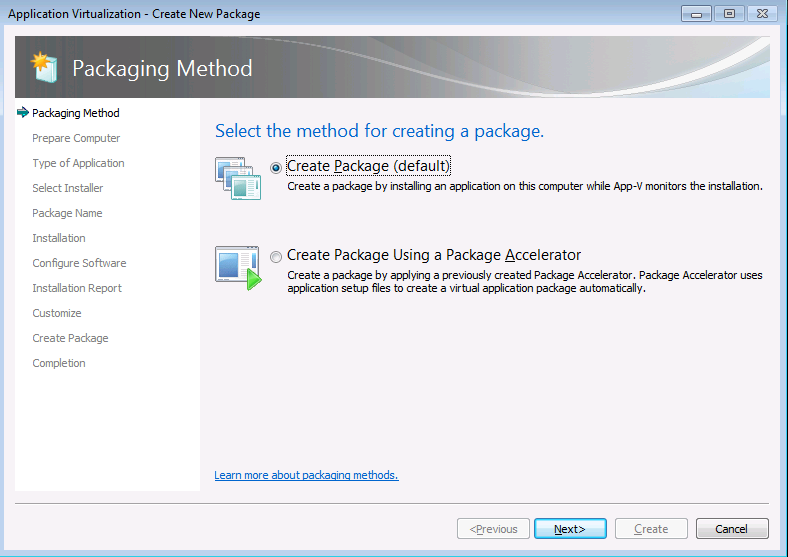
Select create a new virtual package.


Click Next and Install the application.


Remove the desktop shortcut. Select I am finished Installing.


If you need to do any post install configuration like adding new registration key,Launch the shortcut “Enterprise Architect” and do it here.Once done click Next.

Click Next and save the Package.

Publish and test the sequenced package in the latest windows 10 environment.

Select create package.
Select standard package.

Select custom installation.

Type the name of the virtual package as Sparx Enterprise Architect 13.5.

Click Next and Install the application.


Remove the desktop shortcut. Select I am finished Installing.


If you need to do any post install configuration like adding new registration key,Launch the shortcut “Enterprise Architect” and do it here.Once done click Next.

Click Next and save the Package.

Publish and test the sequenced package in the latest windows 10 environment.


Comments
Post a Comment